Your Digital Employees, across everyenterprise channel
From internal collaboration to customer operations, Shokuin receives, routes and responds through the channels your enterprise already governs.

Every channel
your enterprise already runs
Your Digital Employees work where your organization already communicates. Each channel carries a different kind of work. Choose the ones that match how your enterprise operates.
Meet work where your organization already talks
Requests arrive in the workspaces your teams already use. The Digital Employee reads the request, checks who is asking, and moves it into the workflow that owns it.
Best for
Representative enterprise systems. Connections, permissions and availability are configured for each deployment.
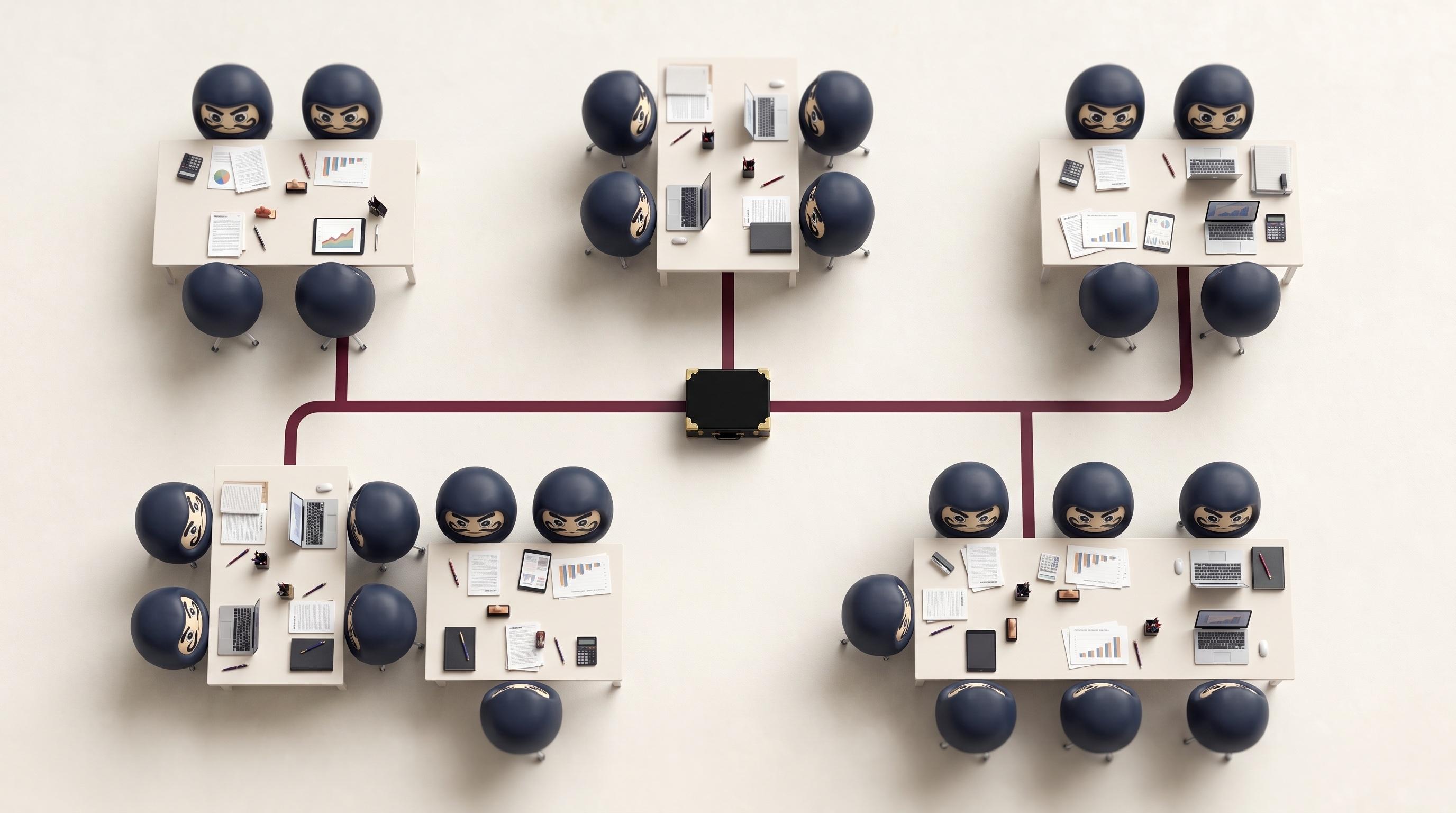
One Digital Employee works across every channel you connect. You choose which channels it is permitted to use, and its role, its permissions and its record stay the same in all of them. Only the way the work arrives changes.
One Digital Employee.
Every channel. Same quality.
You don't need a separate system for each channel. One Digital Employee works across all of them, with the same role, permissions and policy. The only thing that changes is how the answer is delivered.
A request arrives
“Who approves access to the finance system?”
Genesys Cloud
Live · 02:34
Live Caption
“The Finance Systems owner approves it. I can raise the request now and copy you on it.”
Concise, spoken, in the moment
Microsoft Outlook
to: servicedesk@corp
Re: Finance system access approval
Thank you for your request regarding finance system access.
- •Approval sits with the Finance Systems owner
- •The requester’s role and entitlements are checked first
- •The approval is recorded against the request
Reply to this message and I will raise the request and keep this thread on the record.
Best regards,
Operations Digital Employee
Formal, structured, complete
Microsoft Teams
available
Who approves access to the finance system?
9:41 AM ✓✓
Finance Systems owner approves it. Raising the request now and tagging you on the ticket.
9:41 AM
Type a message
Short, operational, coordinated
Same role. Same policy. Same answer. Channel-appropriate delivery.
The Digital Employee knows when to be brief and when to be complete. The answer, the policy behind it and the person accountable for it do not change with the channel. Only the delivery does.
The right tone
for every conversation
Your Digital Employees adapt how they communicate to the channel they are working in. Same role, same policy and same accuracy, delivered in the register each channel expects.

Microsoft Teams
Concise and collaborative
Genesys Cloud
Clear and conversational

Microsoft Outlook
Formal and complete
ServiceNow
Structured and operational
This isn't just about message length.
It's about matching how your organization actually communicates in each system. Your Digital Employees understand the difference.
How businesses use Channels
Product examples. See how different enterprise functions put Digital Employees to work across their channels.
Banking · Client servicing
Client requests arrive through contact-centre and service channels, while context and ownership sit across different teams.
A Client Service Digital Employee receives the conversation through Genesys Cloud, retrieves the Salesforce case context and routes consequential decisions to the named human owner.
One governed service journey across conversation, case and handoff.
Enterprise IT · Service operations
Incidents arrive through Teams and ServiceNow with incomplete context and inconsistent routing.
An IT Operations Digital Employee classifies the request, gathers the required context, updates ServiceNow and coordinates the next action through Microsoft Teams.
Shared services · Operational intake
High-volume requests arrive through shared inboxes and collaboration channels without consistent ownership.
A Shared Services Digital Employee receives requests through Outlook and Teams, validates the required information and routes each case into the approved workflow.
Consistent intake, ownership and escalation across shared services.
Bring enterprise channels
into a governed rollout
Select the channel estate
Choose where each Digital Employee is permitted to receive and respond to work.
Configure identity and routing
Connect enterprise identity, ownership, escalation and channel-specific controls.
Validate and release
Test the complete workflow with Security, Operations and the accountable business owner before activation.
Channels work with every other building block
The same Digital Employee uses tools, draws on knowledge bases and connects to your systems across every channel. Its role, permissions and record travel with it.
Tools
Get work done, not just answered
Channels deliver the request. Tools let a Digital Employee act on it in SAP, Salesforce, ServiceNow, Workday and Microsoft Dynamics 365 — only where its role allows.
Knowledge Bases
Accurate answers on every channel
Your policies and procedures, held in Microsoft SharePoint, Atlassian Confluence, Amazon S3, Azure Blob Storage and Google Drive, scoped to the employee's role.
The Finance Systems owner, on record
“Integrations
Connect to your existing systems
Microsoft Entra ID, Okta, MuleSoft, Boomi and REST APIs. Your Digital Employees connect under their own identity, through the access you already control.



Common questions about Channels
Yes. One Digital Employee works across every channel you connect to it. Its role, permissions and record are the same in all of them. Only the way the work arrives changes.
The work carries its own record. When a request moves from a collaboration workspace to a mailbox or a service platform, the Digital Employee keeps what it was given and what it did, so the thread does not restart.
Permissions belong to the role, not the channel, so a request does not gain access by arriving somewhere else. What you can set per channel is where the employee is allowed to operate at all, and how it behaves there.
You define the conditions that hand work to a named person. When one is met the Digital Employee stops, passes the work with its context, and the handover is recorded alongside everything else it did.
Work that cannot be received on one channel is not lost. It stays open and can be picked up on another channel you have connected, or by a person. Shokuin does not claim automatic failover between third-party platforms.
Yes. The same governed role can be extended to further approved channels. Each channel is configured and validated for the deployment before the Digital Employee begins using it.
Bring Digital Employees into the channels your enterprise already runs
Review one workflow, its channels and its governance requirements with our team.